Interactive scenes
Step into a place. Tap to hear it.
Each scene is an illustrated room or campsite where every object makes a sound. Tap the window for rain, the fireplace for a crackling fire, the record player for vinyl warmth — then share your version with a link.
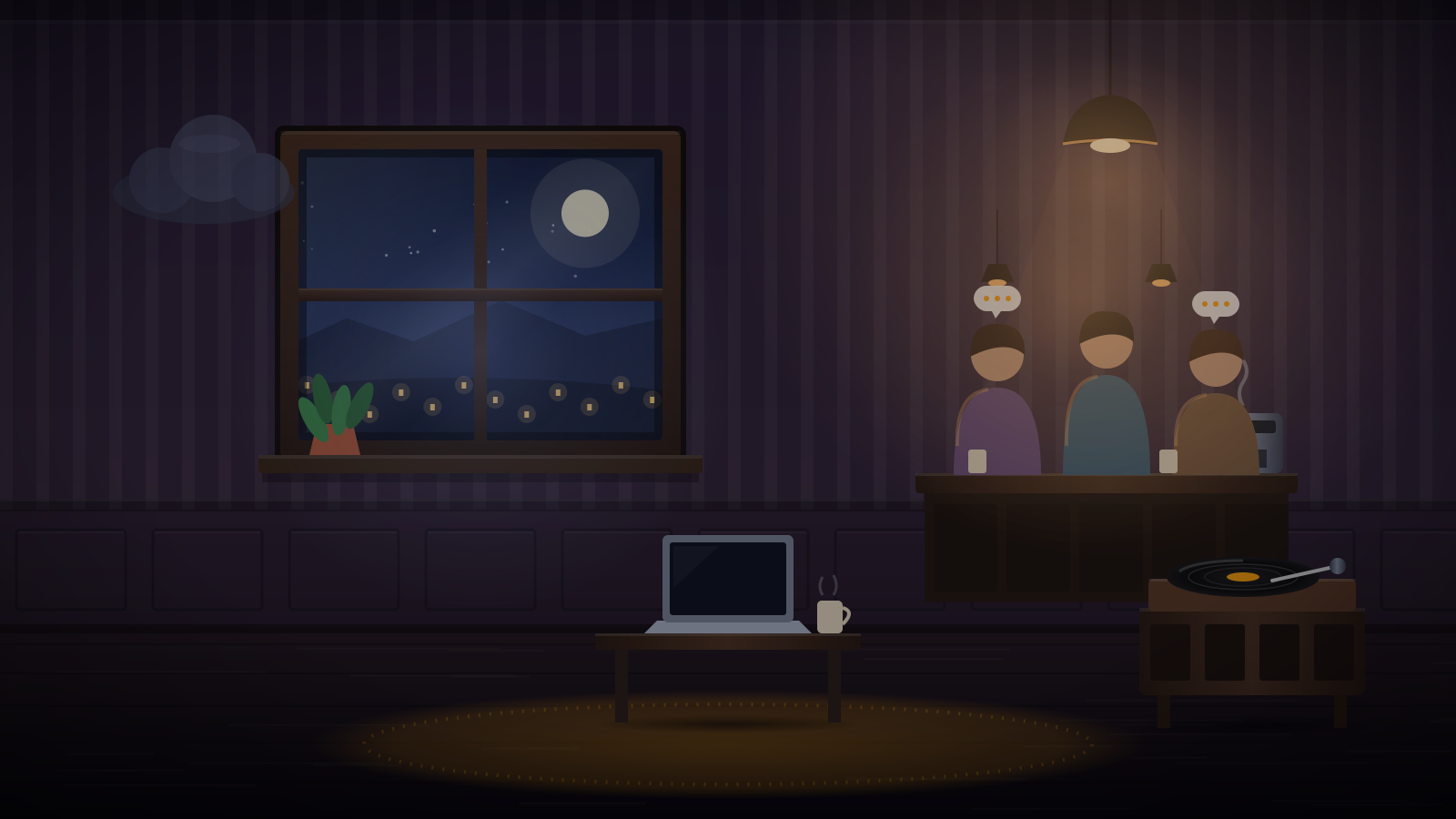
Rainy Day Café
Rain on the glass, quiet chatter, a record spinning in the corner.
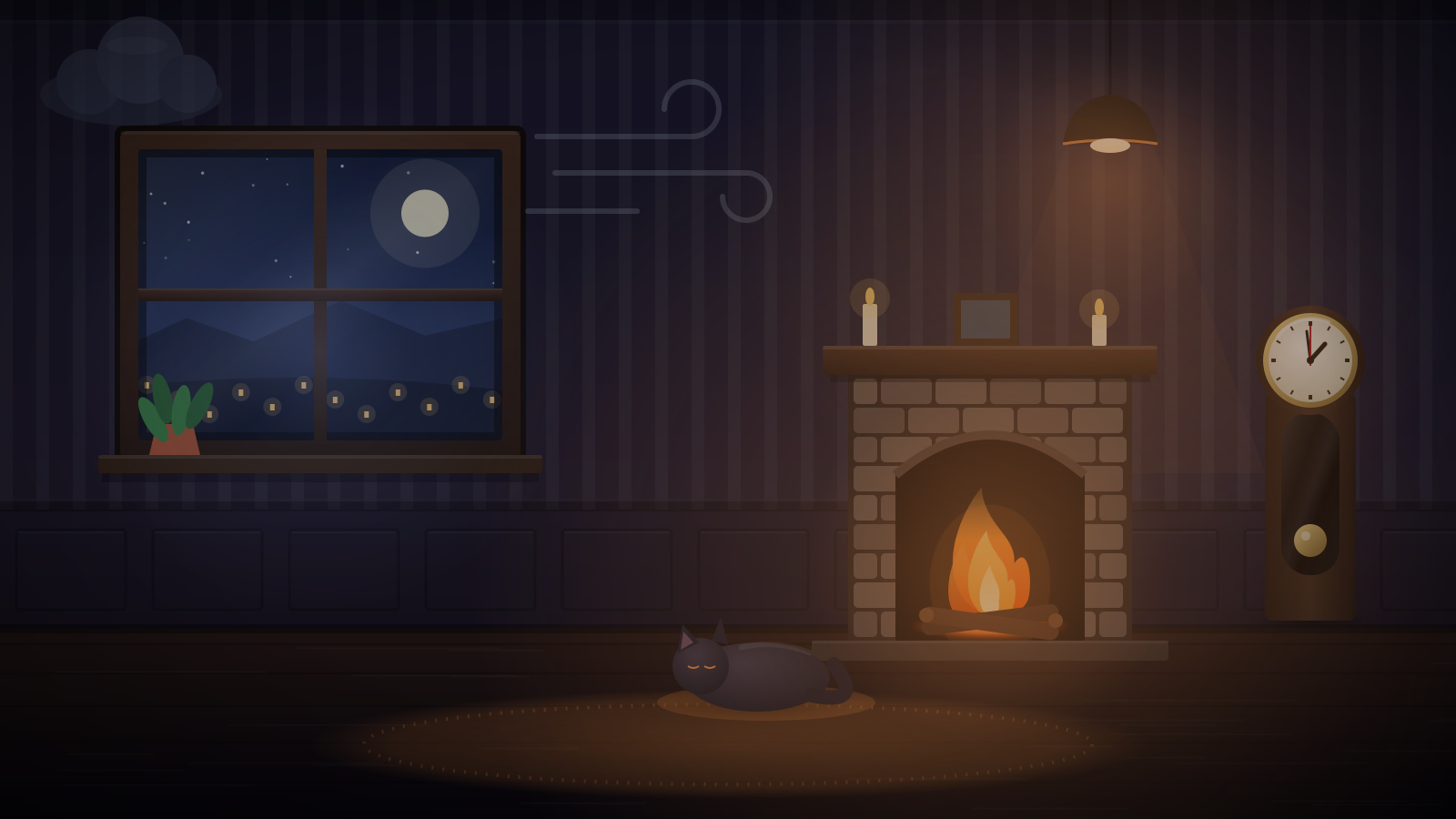
Cozy Cabin in a Storm
A crackling fire, rain on the roof, and wind in the trees.
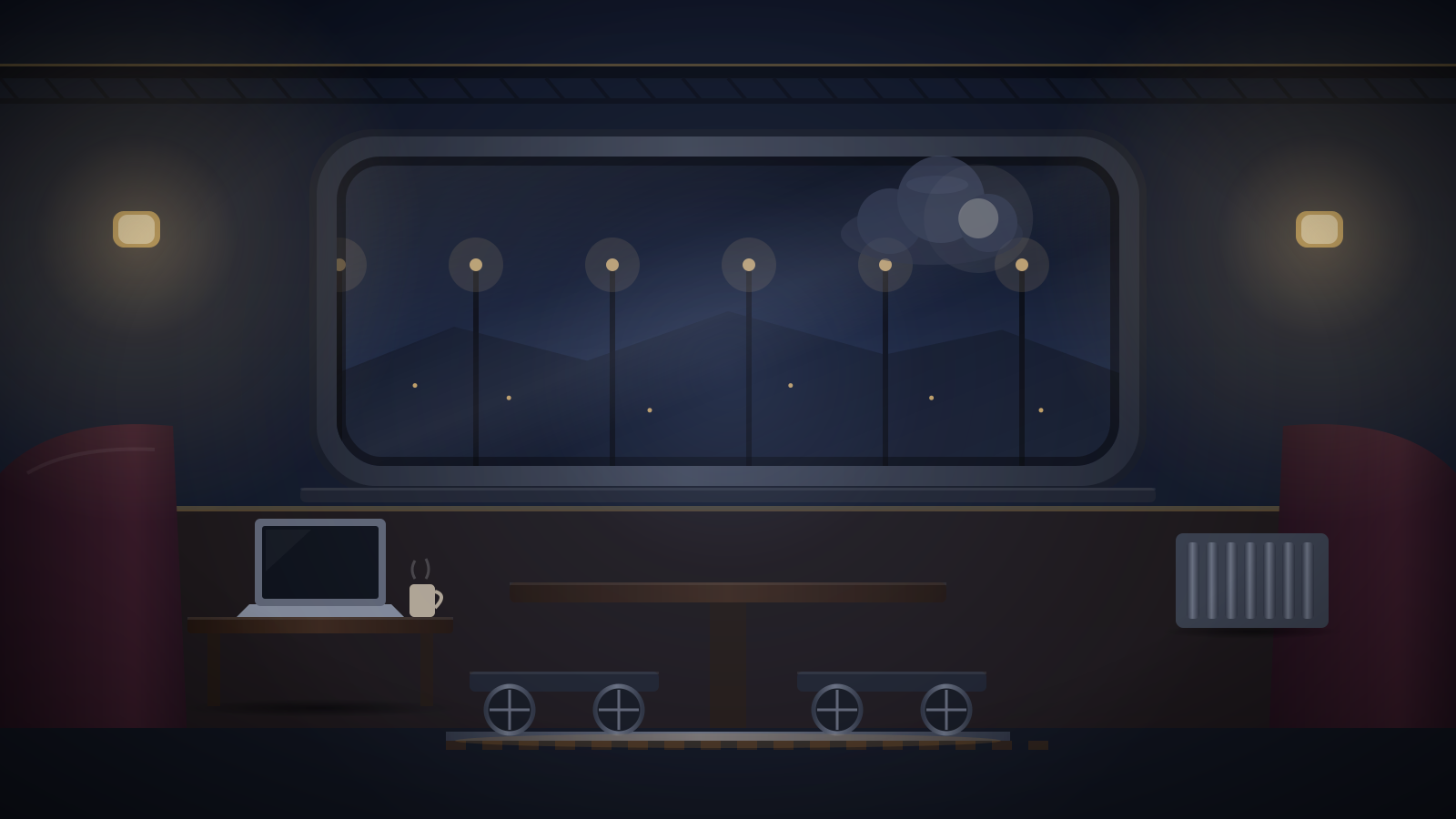
Night Train
Wheels on the rails, rain streaking the glass, lights passing by.
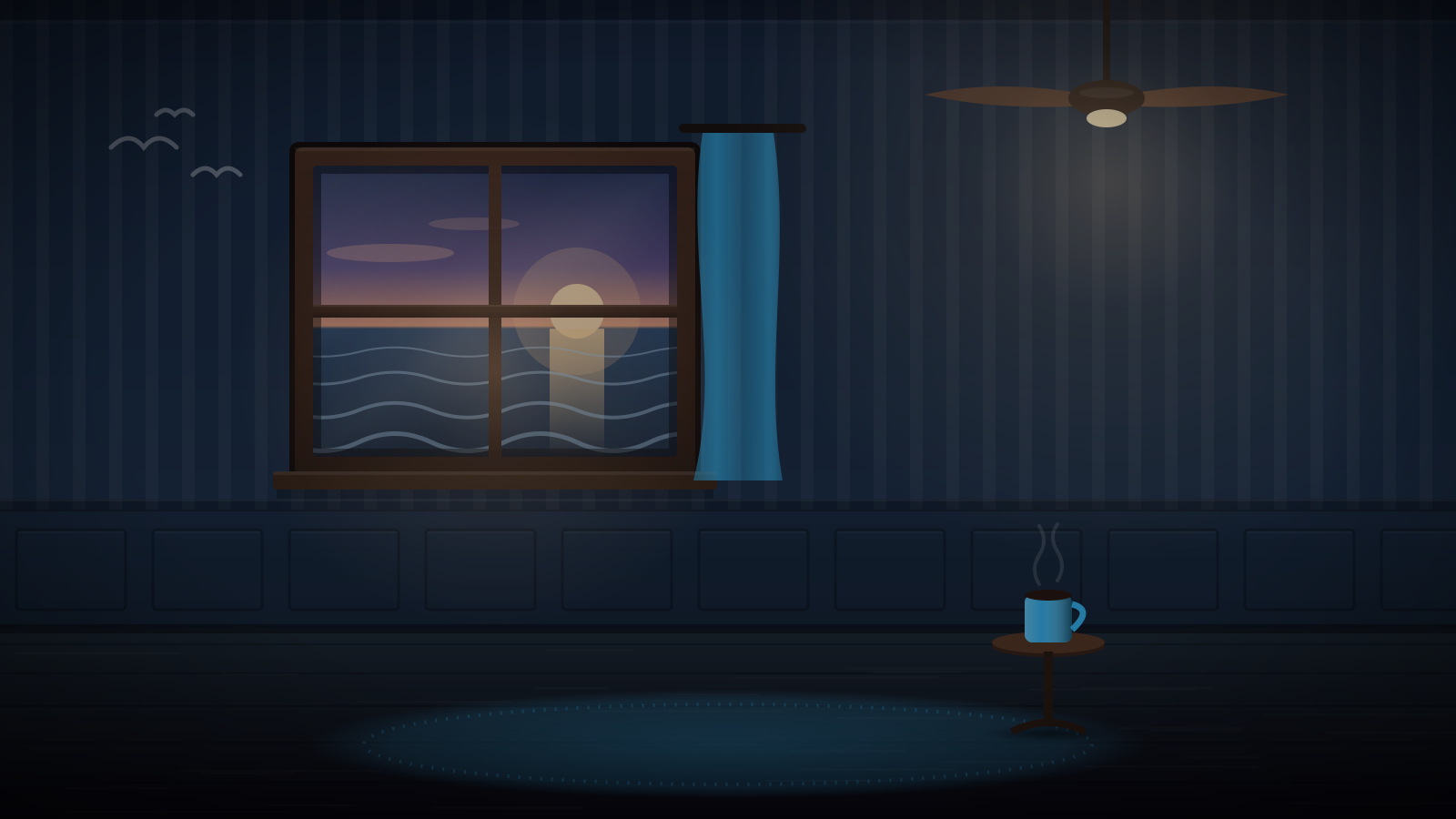
Seaside Cottage
Waves on the shore, a warm breeze, and a fan turning overhead.
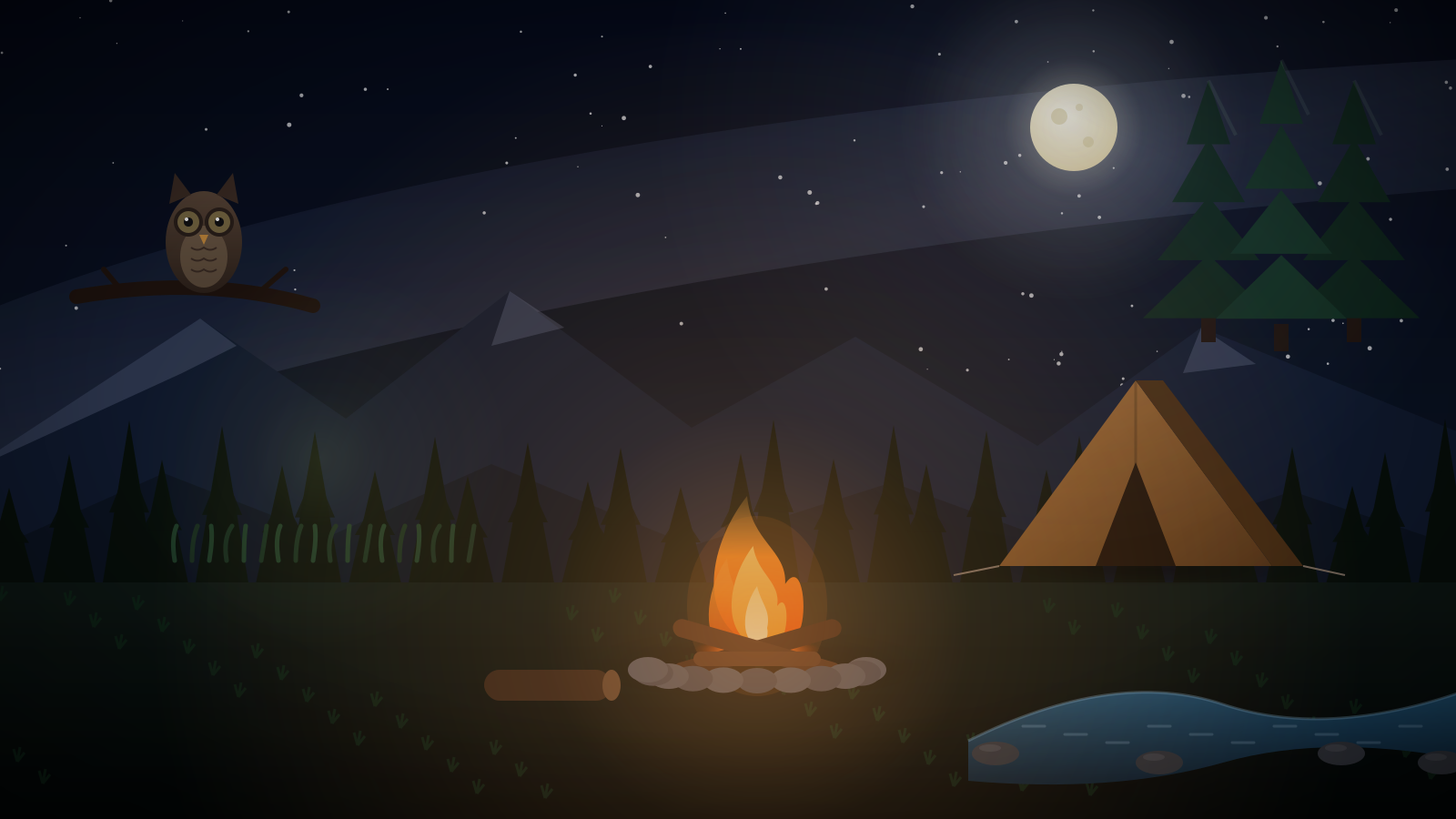
Forest Campsite
A campfire, a creek, crickets, and an owl somewhere in the pines.
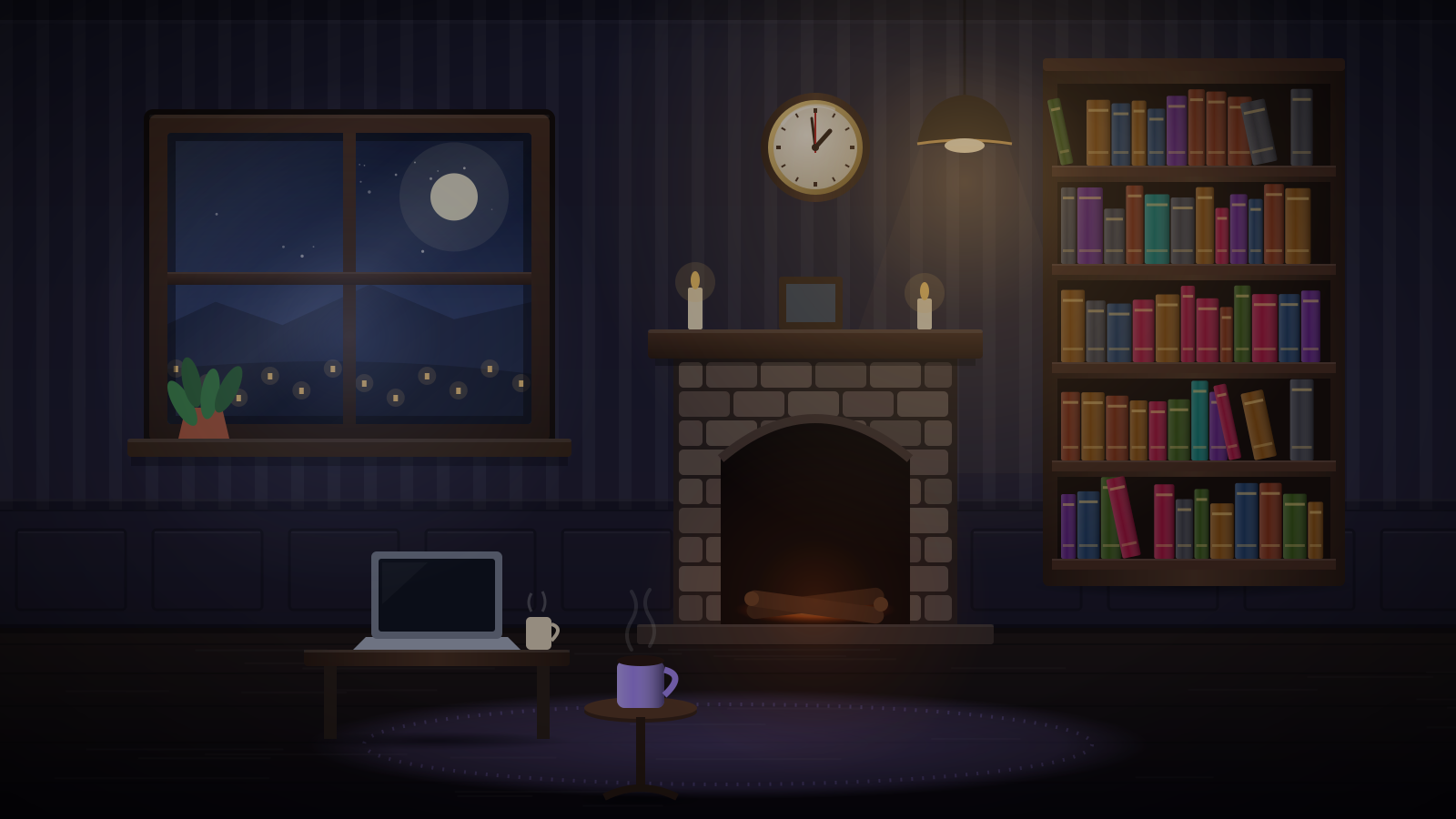
Midnight Library
Turning pages, a ticking clock, and rain on tall windows.
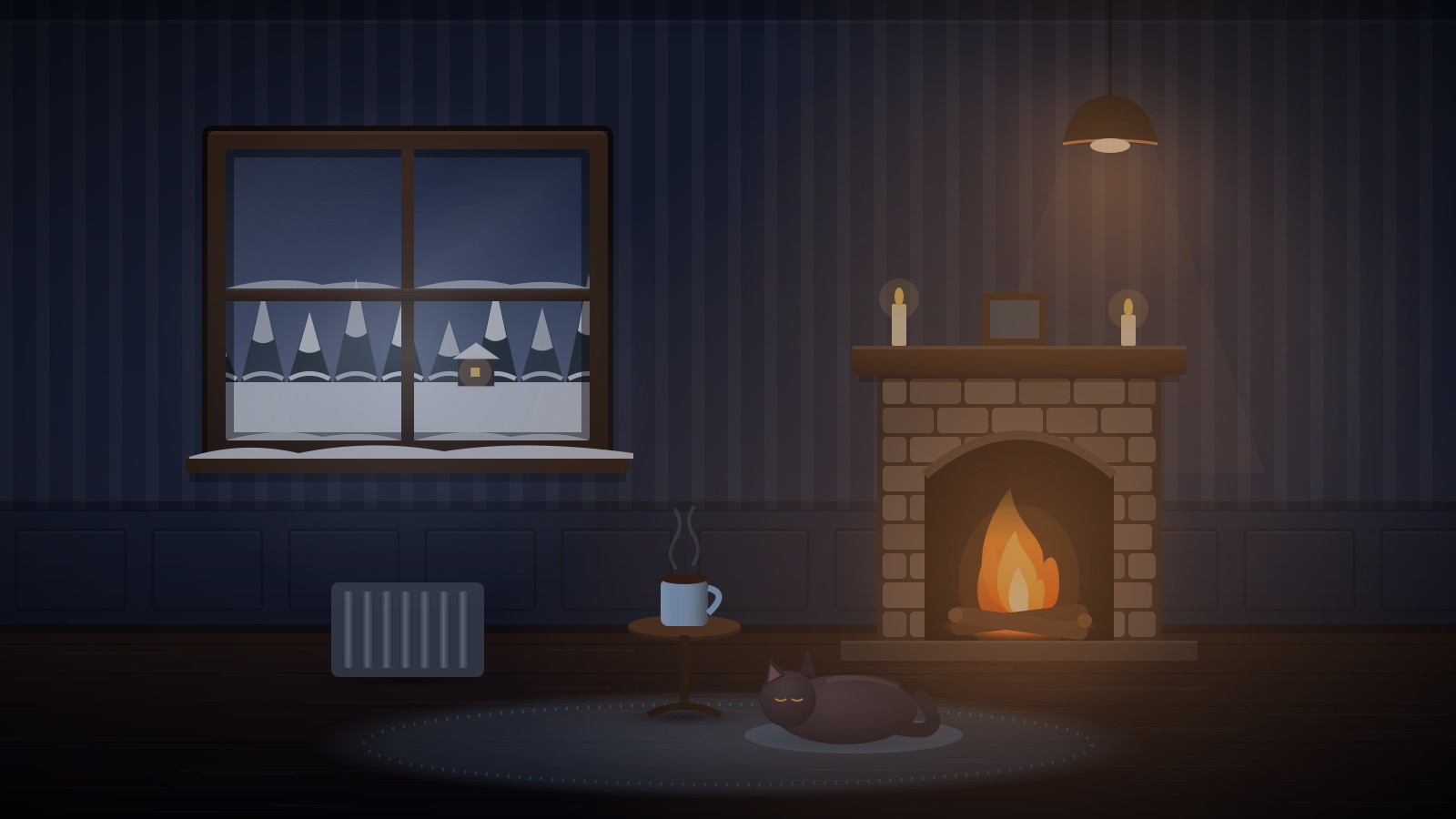
Snowed-In Cabin
A blizzard howling outside, a fire crackling in, and nowhere you need to be.
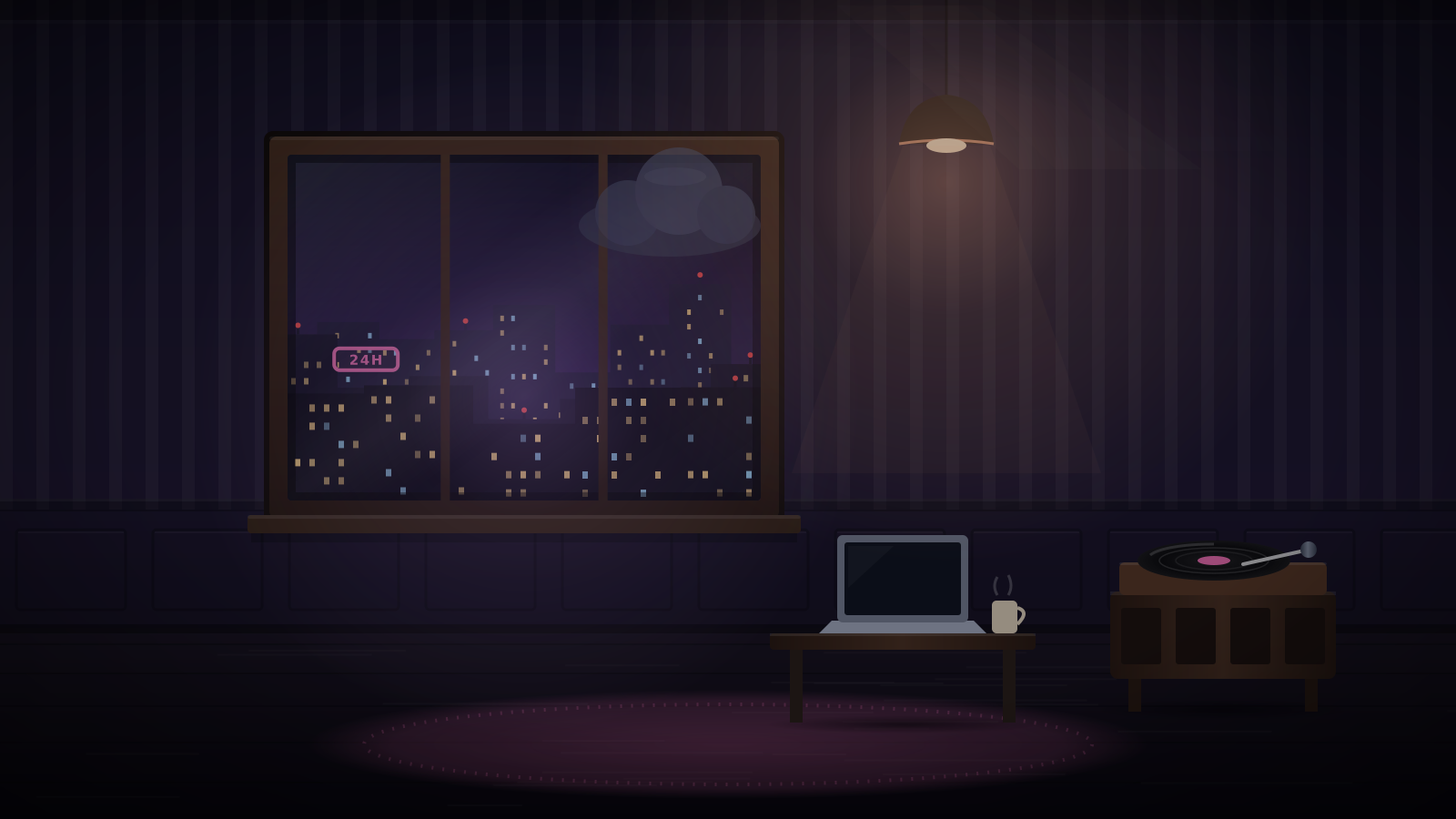
Rainy City Apartment
Rain streaking a big window, a city that never sleeps, and headlights sweeping the ceiling.
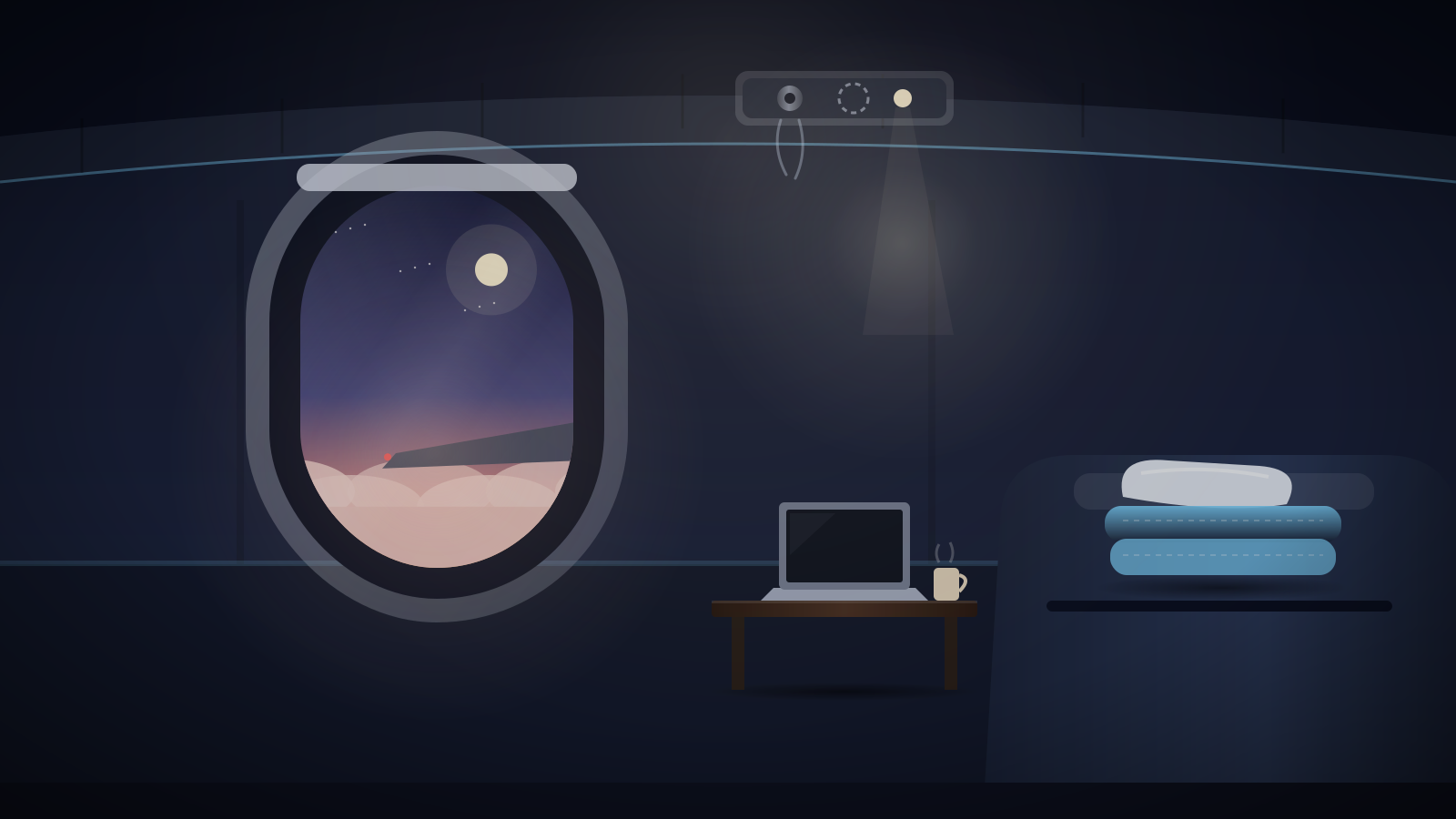
Night Flight
A steady jet engine hum, sunset over the clouds, and the cabin lights turned low.
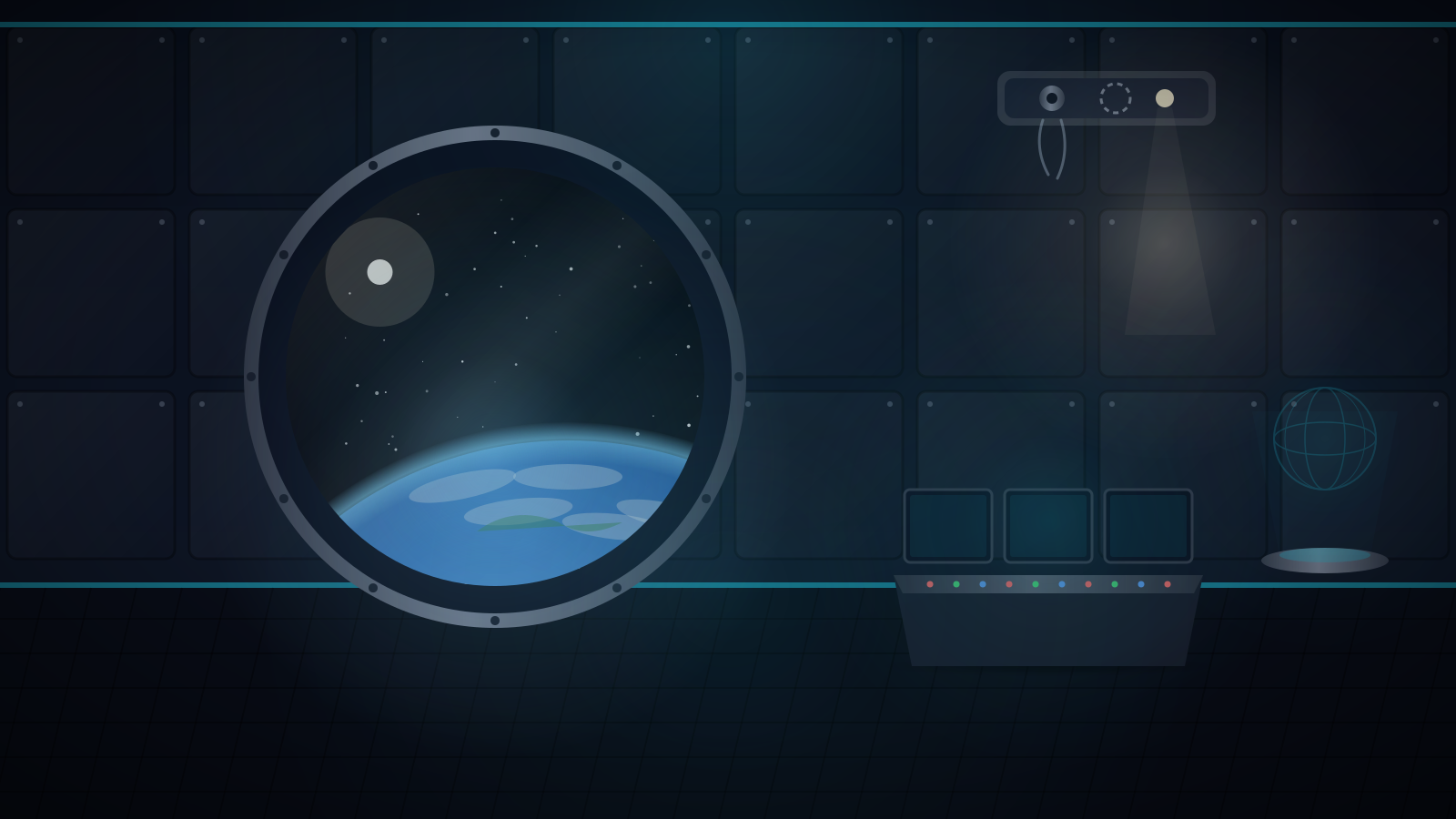
Space Station
Earth turning slowly outside, the hum of the station, and nothing but stars.
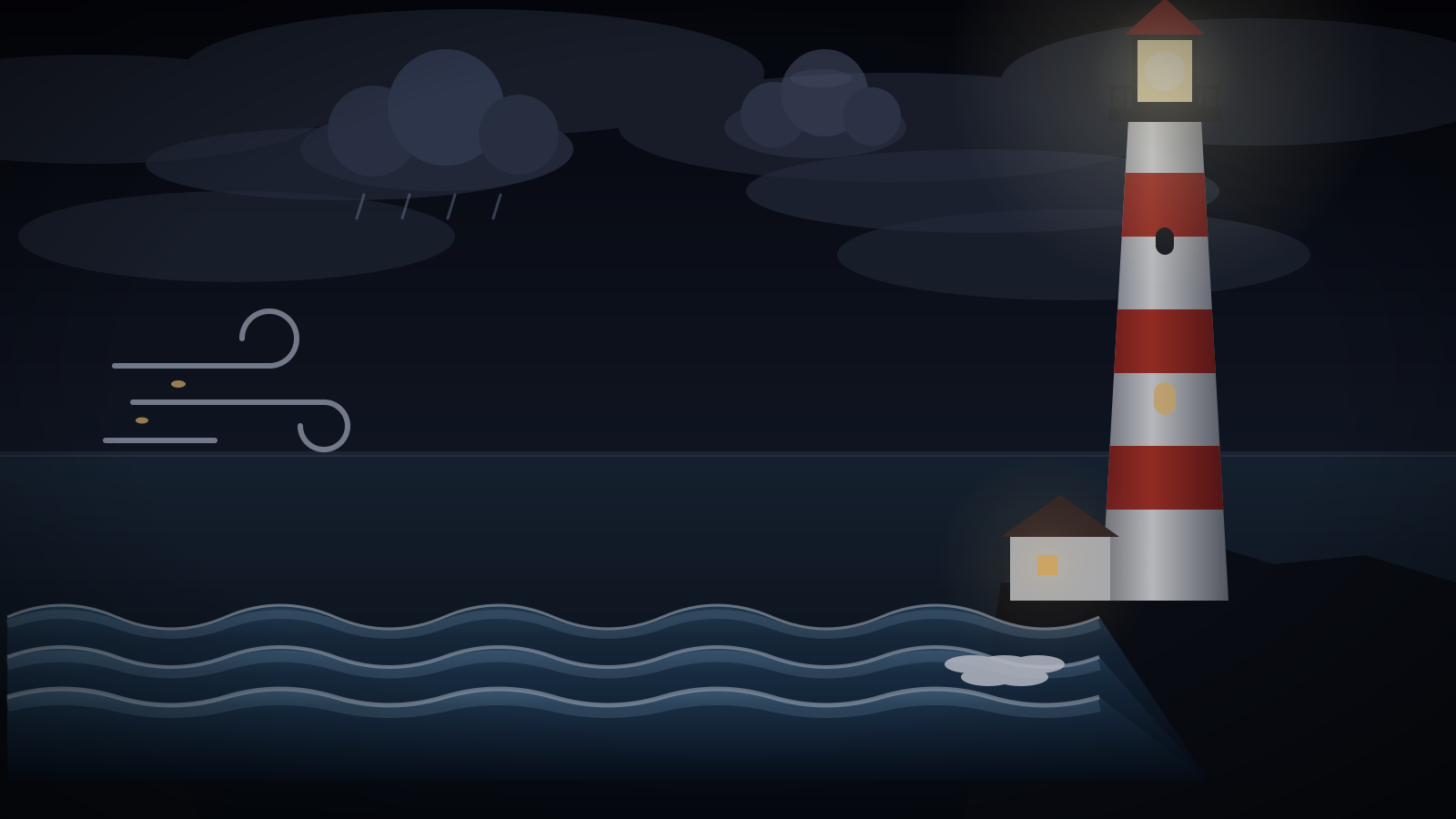
Lighthouse in a Storm
Waves breaking on the rocks, rain in the wind, and a beam turning through the dark.
How scenes work
Scenes use the same sound engine as the full mixer. Every object is a layer with its own volume, so you can switch the thunder off, bring the rain forward, or leave just the fire crackling. Use the timer to fade out after 15–90 minutes, turn on Focus mode for a clock and Pomodoro timer, go fullscreen for a calm second screen, and share a link that opens exactly the scene you built. You can even embed a scene in Notion.
Want more control?
Every scene opens in the full mixer with one click, where you can add more sounds, shape the tone, and save it. Not sure where to start? Take the noise quiz to find the sound that suits you.